

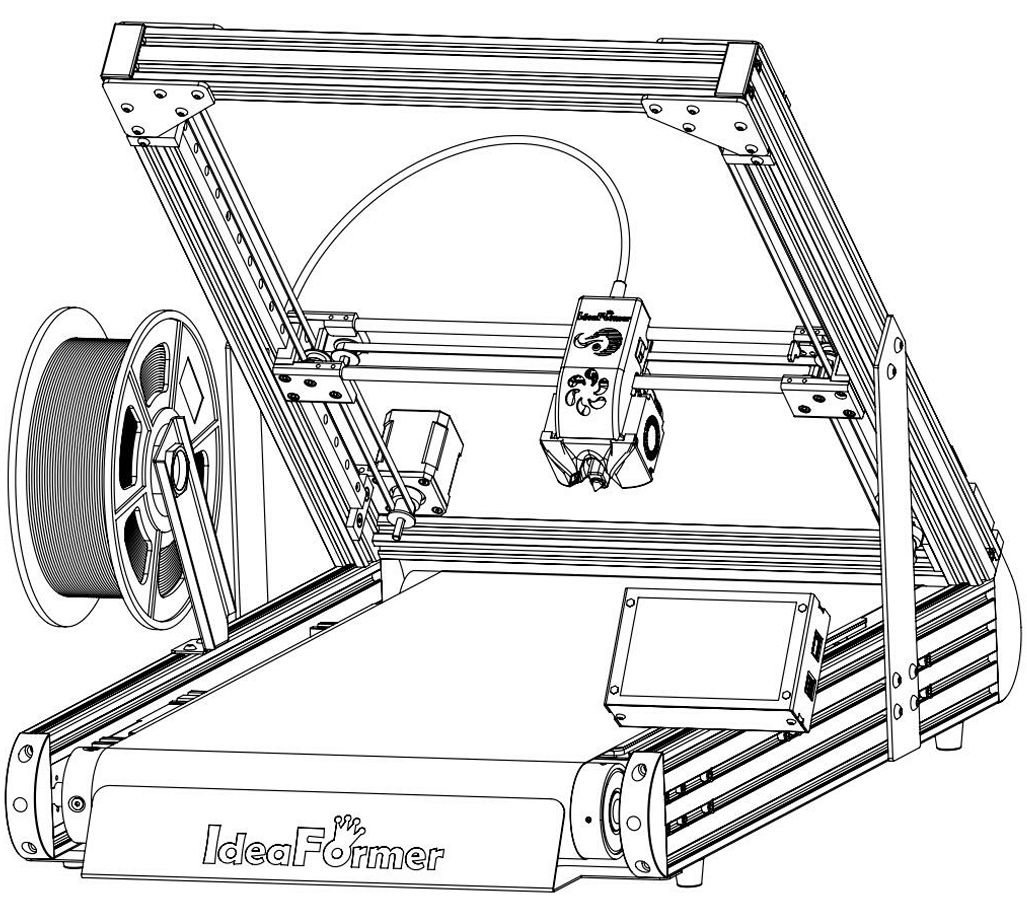
Accessory Completion
Install the enclosure
Do this only after the printer is built and online.
Start with a finished printer
Do not begin enclosure work while assembly or network setup is still unfinished.
Install the enclosure pieces in order
Keep cable exits clear and make sure the enclosure does not interfere with normal use.
Keep the screen outside the chamber
Do not place the screen inside the heated enclosure.
Before you finish
- The printer was already validated before enclosure work.
- The screen remains outside.
- The enclosure does not obstruct normal access.