

Core Service Actions
Install and maintain the 1.0 mm nozzle
Confirm the nozzle size
Use a 1.0 mm nozzle. Do not run Podform3D jobs with the default 0.4 mm nozzle.
Heat the nozzle before removal
Use Nozzle Maintenance to heat the hotend before loosening, removing, or cleaning the nozzle.
Install the 1.0 mm replacement
Swap the nozzle while hot. Tighten only until seated.
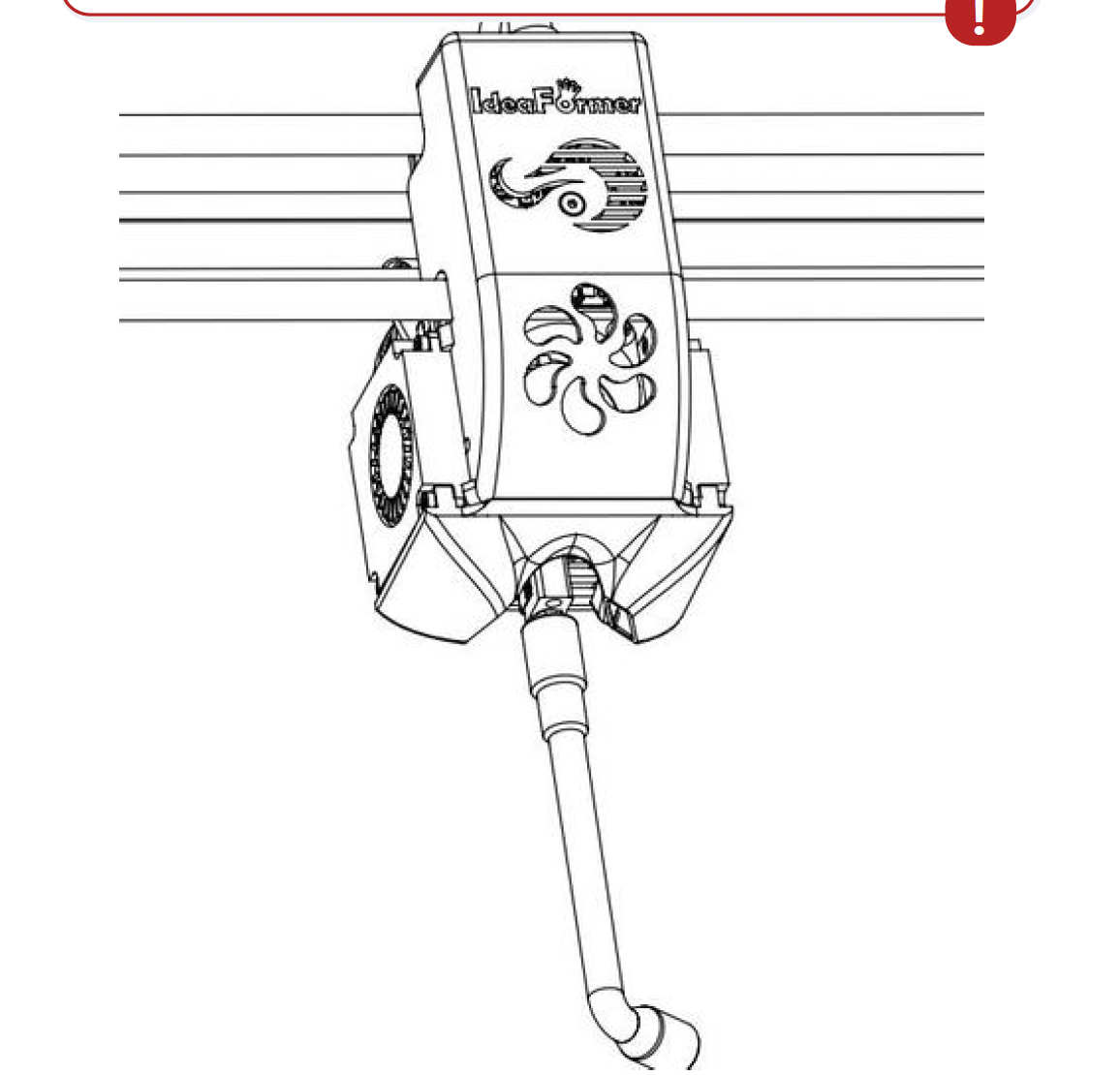
Use the Nozzle Maintenance function to heat the nozzle before removal and replacement. Tighten the new nozzle only until it is seated. Brush off residue while the nozzle is hot
Brush off TPU residue while the nozzle is hot.
Replace the nozzle on schedule
Replace the nozzle at least once per month, or sooner if print quality drops.
Re-level after every nozzle change
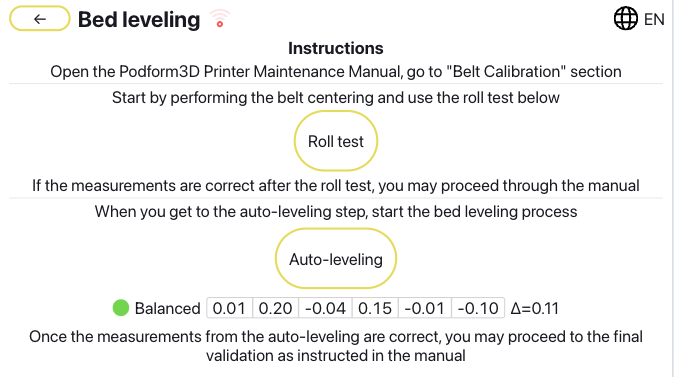
Run Auto-Leveling after every nozzle change.
Before you finish
- A 1.0 mm nozzle is installed.
- The nozzle tip is clean with no hanging residue.
- A monthly replacement habit is defined.
- Auto-Leveling has been run after the most recent nozzle change.