

Podform3D Help Center
Setup and workflow guides
Step-by-step help for the IdeaFormer printer, Podform3D Portal, maintenance, printing, and 3D foot scanning.
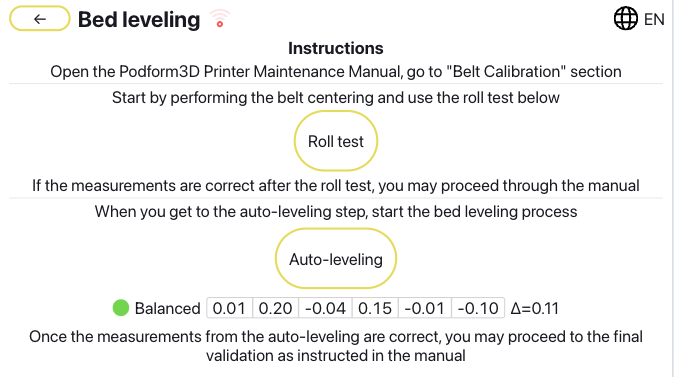 Maintenance workflowBelt Calibration InteractiveTwo short steps. center the belt, then run hardware calibration.Maintenance workflowBelt CenteringStep 1. Center the belt, run the Roll test, and balance the front roller.Maintenance workflowBelt CleaningClean the conveyor surface.Maintenance workflowBelt Leveling CalibrationCenter the belt. Run the Roll test. Check the mesh.Maintenance workflowFilament ManagementDry, load, and protect the filament.Maintenance workflowHardware CalibrationStep 2. Use the 6-point mesh to correct Y gantry tilt and finish the hardware calibration loop.Maintenance workflowMonthly Baffle Gap CheckConfirm the baffle has not moved outward.
 Platform tutorialAccommodation Order Form OverviewTemplates, preview, prescription fields, and accommodative options.Platform tutorialHow to communicate between partiesUse the right support, clinic, and order channels.Platform tutorialHow to do landmarkingManual marking walkthrough for submitted orders.Platform tutorialHow to do validationEvaluation walkthrough for processed orders.Platform tutorialHow to print (belt printer)Send validated orders to the printer and manage the queue.Platform tutorialHow to scan feet in the mobile appCapture foot scans and submit the order from Podform3D.Platform tutorialPlatform Overview IntroductionPortal structure, roles, and main workflows.
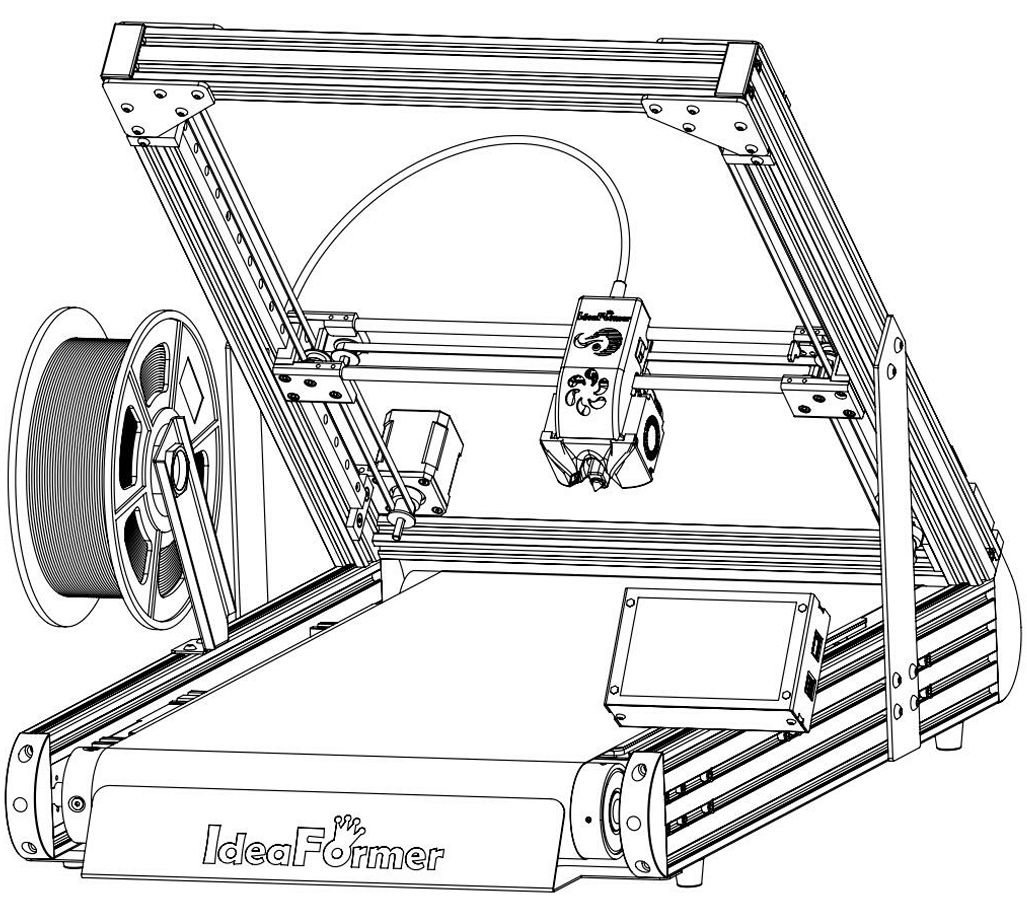 Setup workflowDry Box SetupInstall the dry box and final filament path.Setup workflowEnclosure SetupInstall after the printer is ready.Setup workflowInternet ConnectivityGet online. Save the IP. Confirm browser access.Setup workflowLinking Portal to PrinterPair the printer to the portal.Setup workflowMobile Scanning AppDownload Podform3D Connect. Log in. Prepare the scan correctly.Setup workflowNozzle SetupInstall the 1.0 mm nozzle.Setup workflowPrinter SetupBuild the printer and power it on.SubscriptionPodform 3 MembershipSubscribe to Platform 3.